Appearance
Run mario
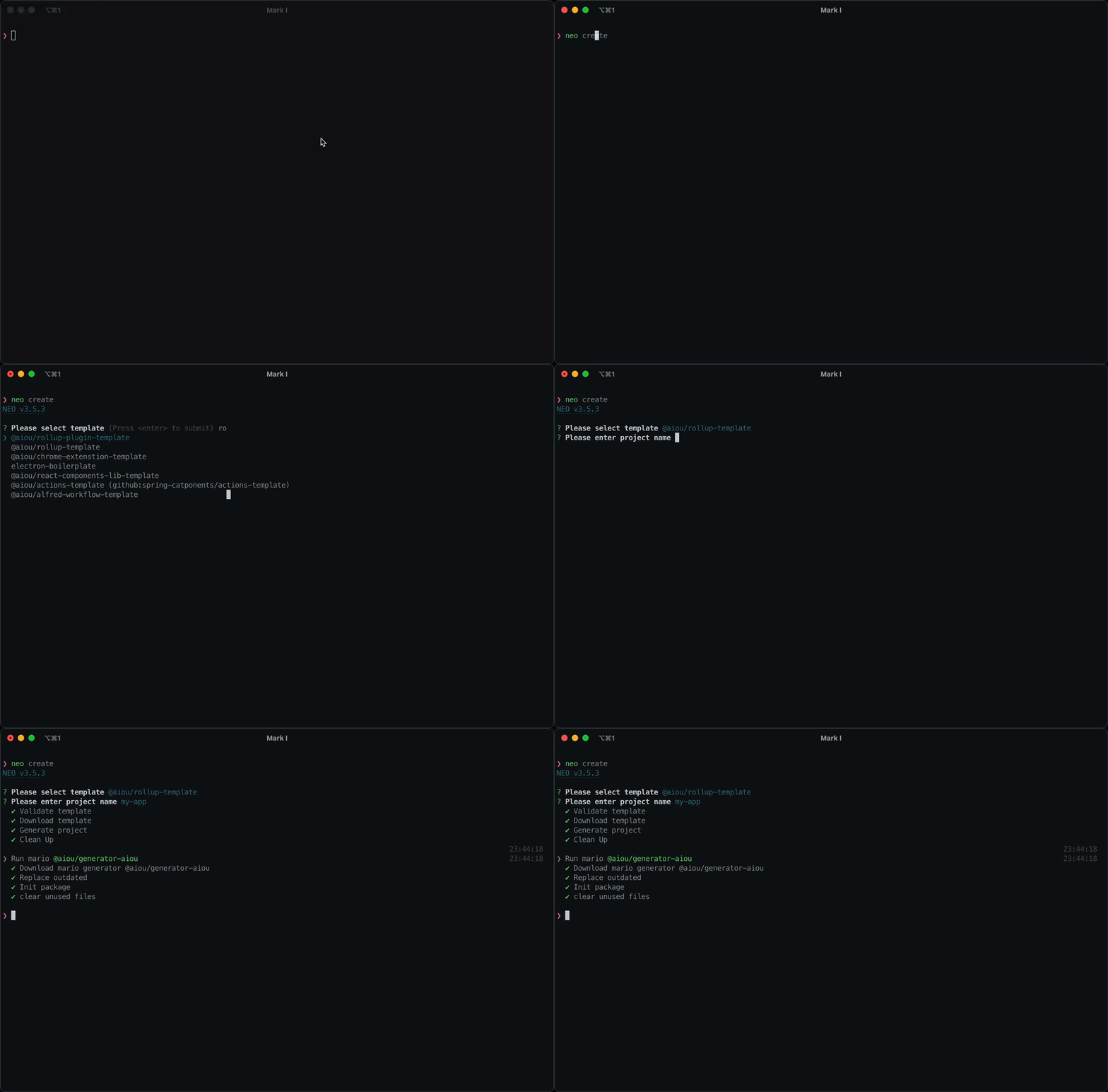
What is mario
mario, or in other words generator.
Mario is simple manipulate system based on gulp, mario has similar syntax like github workflow.
Sometimes, after create new side project from npm or git template, you may also need to apply some modifies, e.g. change package name, update origin git url etc...
With mario, it will make these work much easier. Pack common modify actions into a mario geneartor, mario will repeat those actions.
You can write and publish a mario package once, and have it work after neo create side project from local or remote.
Add mario into template
create .neo folder in template repo, .neo structure properly like this:
├── .neo
│   └── .neorc.ts
Add mario package or local generator file in .neo/.neorc mario field.
{
  "mario": "<npm-package>|path/generator.yaml"
}
A simple mario generator config could be like follow content:
jobs:
  Setup Pkg:
    paths: package.json
    name: Setup Pkg
    steps:
      - name: Add CI Scripts
        uses: json-editor
        with:
          pairs:
            - path: "scripts.ci:version"
              value: "pnpm changeset version"
This generator will add ci:version script into package.json.
If mario geneartor is npm package, neo will download it first. Otherwise, please makesure geneartor file included in template.
After run mario successfully, neo will auto delete .neo foleder.
Run manually
If template does not contain .neo folder, neo supports run mario generator standalone.
neo run @aiou/geneartor-aiou
TIP
You can run with specific version @aiou/geneartor-aiou@version v3.6.0
Or, with local generator file.
neo run path/generator.yaml
Build mario
Checkout the Mario API for documentation about creating more complex generator.